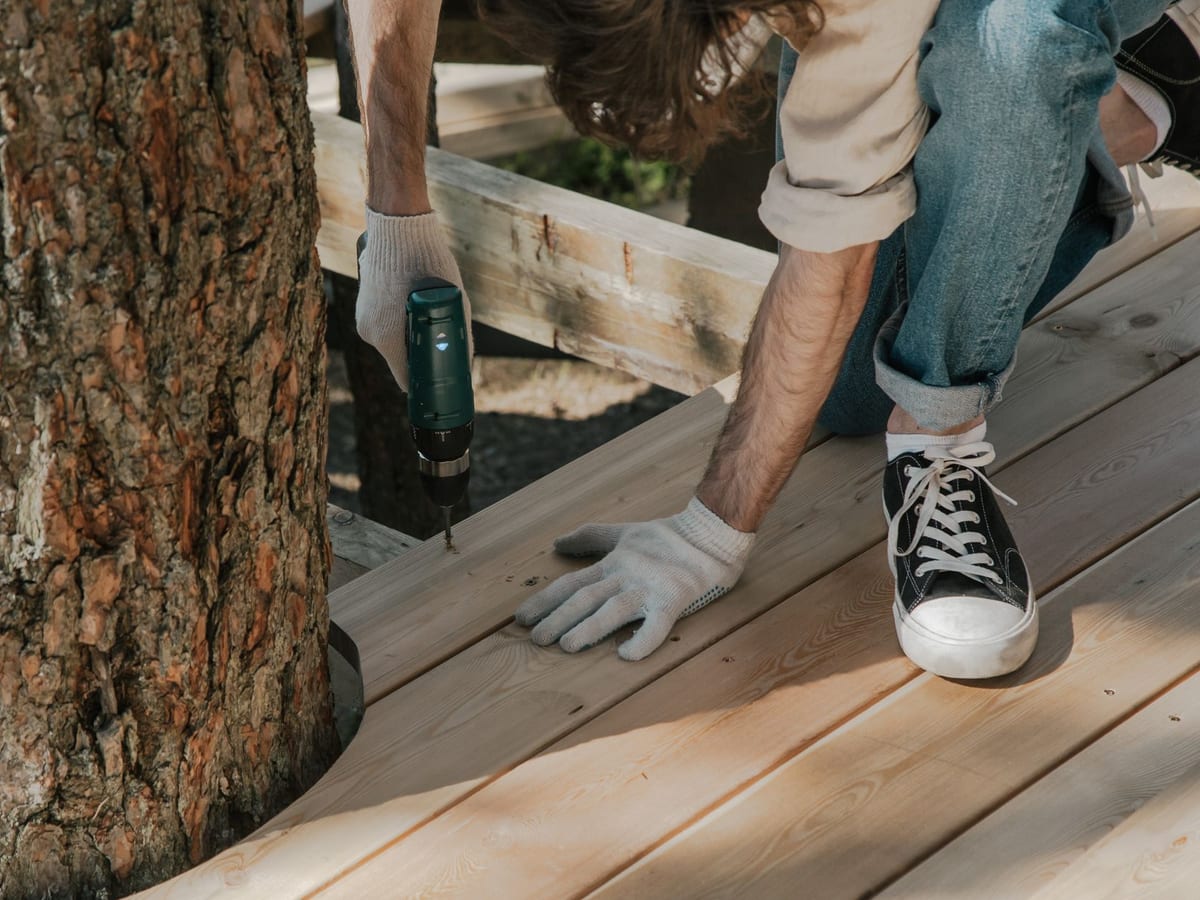
Kitchen Repairs , Beginner project
Taps, pipes, sealants, and fixings for kitchen maintenance.
Appearance
A grid of image-led cards that send shoppers straight into a collection — tap a card, land on that collection — with one extra trick: each card can show a small level gauge that flags how advanced it is. It answers two questions at once: which group is mine? and is this for someone at my level?
It's a great second section, right under your hero, for any catalogue where how advanced something is matters as much as what it is — DIY projects, online courses, recipes, fitness programs, craft kits.
Pick a preset to see its style, change the heading and columns, and use the screen-size and light/dark buttons in the preview header to check how it looks on a phone and in dark mode. The example below is the Tine (hardware) "Project Blueprint Board" — a DIY job board graded by skill — but the same section works for any store: courses by skill level, recipes by difficulty, fitness programs by intensity, craft kits by experience.

Short kicker text rendered above the heading in smaller, uppercase type.
Everything the job needs, sorted by where you’re starting from.

Taps, pipes, sealants, and fixings for kitchen maintenance.
Start the job
Tile cutting, grouting, plumbing tools, and waterproofing.
Start the job
Fencing, decking, path-laying, and weatherproofing.
Start the job
Benches, clamping, dust collection, and storage.
Start the jobAdd the Shop by level section, then add a Category block for each lane you want to offer. Each block is one card: a photo, a title, a one-line description, the collection it links to, and an optional Level. Set a level and the card shows a small three-rung gauge over the lower corner of the photo and reads the level out to screen readers; choose None and the gauge is hidden and the card is a plain category card.
The cards lay out in an even, equal-height grid that stays large and tappable on every screen — four across on desktop, two-by-two on a tablet, and a clean single column on a phone.
The section ships with no cards by default — you add your own — so it never shows placeholder content on a live store. The Tine preset's homepage comes pre-filled with a four-lane DIY project example (Kitchen Repairs, Bathroom Fitting, Outdoor & Decking, Workshop Build-Out) you can edit or replace.
[ Eyebrow ]
Section heading
Subheading
┌──────────┐ ┌──────────┐ ┌──────────┐ ┌──────────┐
│ photo │ │ photo │ │ photo │ │ photo │ ← whole card links to a collection
│ ▮▯▯ BEG. │ │ ▮▮▯ INT. │ │ ▮▮▯ INT. │ │ ▮▮▮ ADV. │ ← optional level gauge (corner of photo)
│ Title │ │ Title │ │ Title │ │ Title │
│ promise │ │ promise │ │ promise │ │ promise │
│ START → │ │ START → │ │ START → │ │ START → │ ← arrow markers on one baseline
└──────────┘ └──────────┘ └──────────┘ └──────────┘The header (eyebrow, heading, subheading) is optional — leave a field blank to hide it. The level gauge is optional per card.
| Setting | What it does |
|---|---|
| Color scheme | Colors the whole section — background, text, and card surfaces — from one scheme, so contrast stays legible in light and dark mode. |
| Eyebrow | A short kicker above the heading (e.g. "TACKLE ANY JOB", "LEARN AT YOUR PACE"). Optional. |
| Heading | The section title (e.g. "Shop by Project", "Browse courses", "Recipes by difficulty"). |
| Subheading | One line under the heading. Optional. |
| Columns | How many cards per row on desktop (2, 3, or 4). Tablet always shows two-by-two, and mobile is a single column, so cards stay large. |
| Setting | What it does |
|---|---|
| Heading | The card title (e.g. "Kitchen Repairs", "Intro to Watercolour", "HIIT Programs"). |
| Text | A one-line promise under the title (e.g. "Taps, pipes, sealants, and fixings for kitchen maintenance"). |
| Image | The card photo. Use a real, in-context photo — it carries the whole card. Always describe it in the image's alt text. |
| Collection | The collection the whole card links to. Leave it blank and the card has nothing to open. |
| Level | Optional. Shows a small three-rung level gauge on the card — Beginner (one rung), Intermediate (two), Advanced (three) — to flag how advanced it is. Choose None to hide it. |
The gauge is the section's signature. It turns how advanced is this? into a glance: one lit rung for Beginner, two for Intermediate, three for Advanced, with the level spelled out beside the rungs so it's never colour-or-shape alone.
Cards in the same row are always the same height, with their "start" arrow markers on one baseline — even when one card's promise wraps and another's fits on one line. You don't have to match copy lengths; the layout handles it.
The Tine (hardware) preset uses this section as its signature opener, organised by the job, not the product category. Where other discovery sections ask "who are you shopping for?" (shop by category) or "what's in season?" (seasonal highlights), the blueprint board answers "what am I taking on, and is it my level?" — Kitchen Repairs, Bathroom Fitting, Outdoor & Decking, Workshop Build-Out — each with a real project photo, a forged difficulty gauge, and a "start the job" affordance. A DIY shopper reads it like a blueprint pinned to the workshop wall and instantly knows which projects match their skill. It's the same section you're configuring above; only the photos, copy, and levels make it DIY-specific.
Swap the labels and imagery and the same section becomes:
In each case the gauge does the same job: it lets a shopper self-select by where they're starting from, in one tap.
The section is available in every preset, and the card treatment matches the active preset's identity. The forged, industrial blueprint look — squared corners, the tempered-iron card surface, the ember-to-forge-red gauge — is the Tine signature; in the other presets the same grid takes on that preset's colours and type, with the gauge tinted from the active colour scheme.
| Preset | Card treatment |
|---|---|
| Tine | The signature Project Blueprint Board — squared tempered-iron cards, a warm offset shadow, and the forged ember-to-forge-red difficulty gauge. |
| Uisce | Clean editorial cards on a cool, calm ground; the gauge tints to the water accent. |
| Gaoth | Warm, rounded cards for pet and lifestyle stores. |
| Talamh | Grounded, earthy cards for garden and heritage stores. |
| Neart | Soft, premium cards for calm wellness stores. |